2.1 Signing in
Go to your MyIQ address in a web browser — the demo site is at demo.myiq.co.nz, and your own site will have been given to you by your administrator. Chrome and Edge are both fine.
The sign-in page offers two routes:
Log in with an external identity — Microsoft, Xero, Power BI or Google. If your organisation uses Microsoft 365, this is almost always the right button. You will not need a separate MyIQ password.
Log in with a local account — the email address and password you were given when your MyIQ account was created. Use Forgot your password? if you need to reset it.
If you have no account yet, ask your manager or your MyIQ administrator to create one — they set up your login and choose which sites you are allowed to see.
2.2 Finding your way around
Reports open full-screen with very little around them. Everything else lives behind the menu button at the top left of the screen.
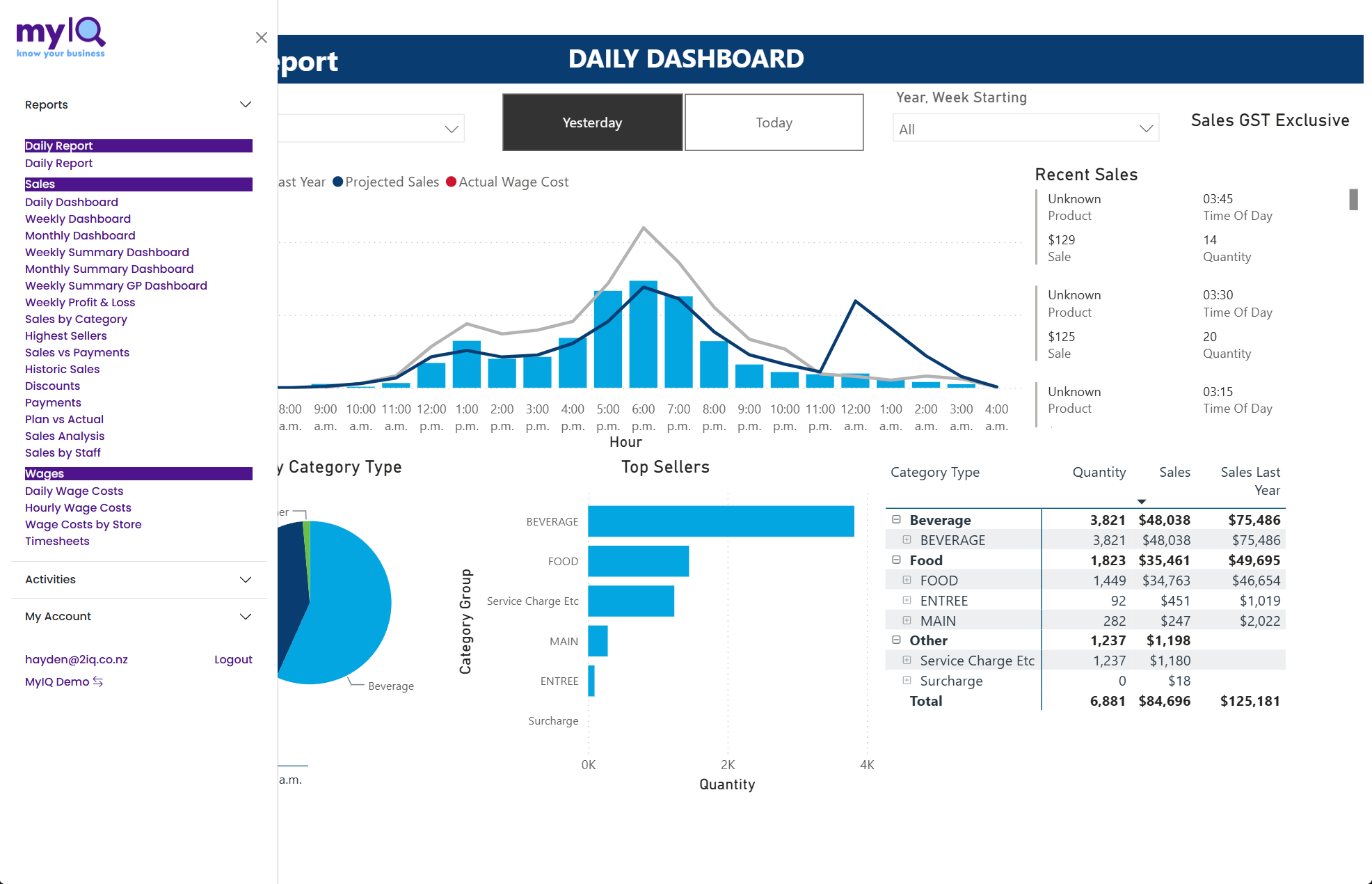The menu open on Reports. Click the menu button at the top left to open and close it.
Reports lists every report you have access to. Click a report name to open it; the menu closes and the report loads in the main area.
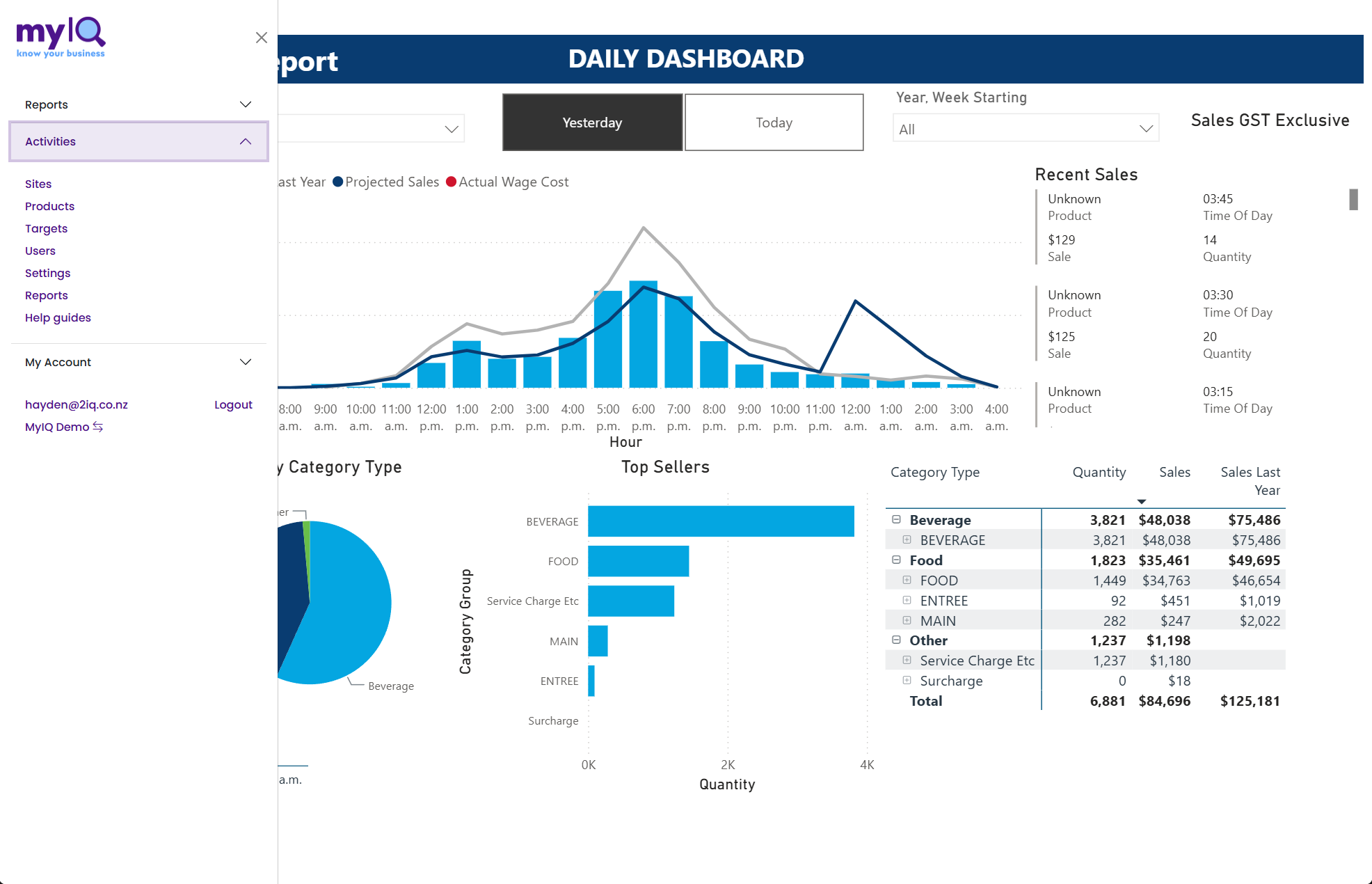Activities holds the administration pages and the link to the online help.
Activities holds the maintenance pages — Sites, Products, Targets, Users, Settings and Reports — plus Help guides, which opens the online documentation at docs.myiq.co.nz. Most users will not need these; they are covered in section 6.
My Account has Manage (your own account details) and Logout. Your email address is shown here so you can confirm which account you are signed in with.
At the very bottom of the menu is the name of the organisation you are looking at. If you have access to more than one, click it to switch.
2.3 What you are allowed to see
MyIQ applies site security inside the data itself, not just on the menu. You will only ever see figures for the sites you have been given access to, and every total — including regional and national comparisons — is calculated from those sites only.
If a site you expect to see is missing from a Site slicer, that is a permissions matter rather than a data problem. Ask your administrator to check your user record.
If a report is missing from your menu
Not every client uses every report, and some reports are restricted to head-office users — Timesheets, for example, shows individual pay rates and is usually limited.
If a report you need is not listed, ask your administrator rather than assuming it does not exist.